 Ambertonhotels.com
Hotel chain website with booking in three languages
Ambertonhotels.com
Hotel chain website with booking in three languages
We set up Microsoft 365 for your whole company: licences, email on your domain, Teams, shared files and security. We migrate old mail and train your staff so everyone is productive from day one.
Short answer
Microsoft 365 setup covers choosing and purchasing licences, creating email on your domain, migrating old mail, configuring Teams, OneDrive and SharePoint, security settings and staff training. We match licences to what each employee actually needs, so you don't pay for unused features.
We'll say it openly – even if it means we won't take the project.
Many small companies “have” Microsoft 365 but only use email. Files are still sent as attachments, shared documents live on one computer, and when someone leaves, their mail and files become unreachable. A proper setup fixes this from day one.
We find out how many people work on which devices and apps, and where mail and files are kept today. Then we choose the licences.
We create accounts, set the DNS records so your mail doesn’t land in spam, and migrate old mail, contacts and calendars.
We set up Teams channels, shared SharePoint folders with permissions and OneDrive sync, and turn on two-factor sign-in.
We train your staff on the new system and stay with them for the first weeks until it becomes routine.
If your team works a lot with Word and Excel files, deals with partners on Microsoft, or needs device management – choose Microsoft 365. If everything happens in the browser and the team is used to Google, Google Workspace may be simpler. We set up and maintain both.
Ambertonhotels.com
Hotel chain website with booking in three languages

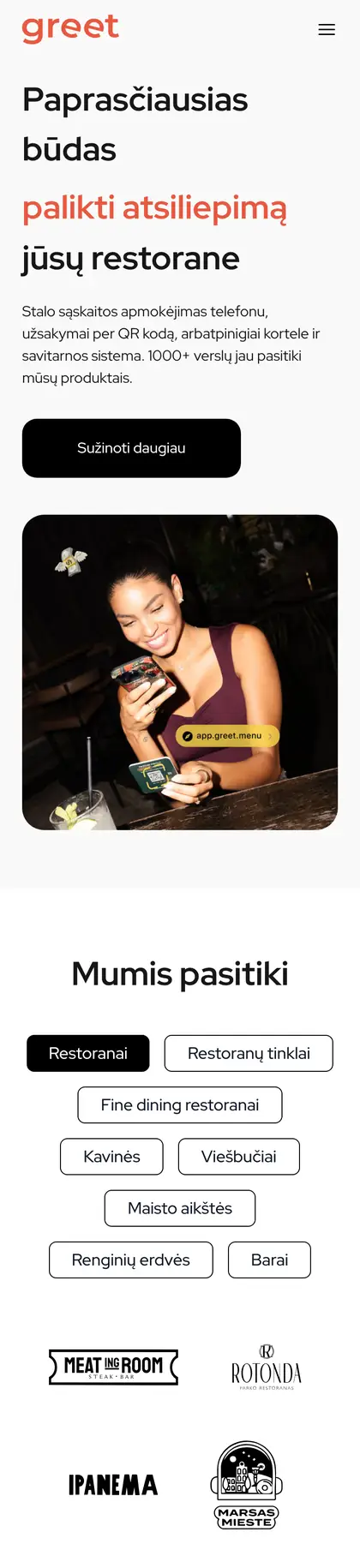
 Greet
Restaurant technology platform website
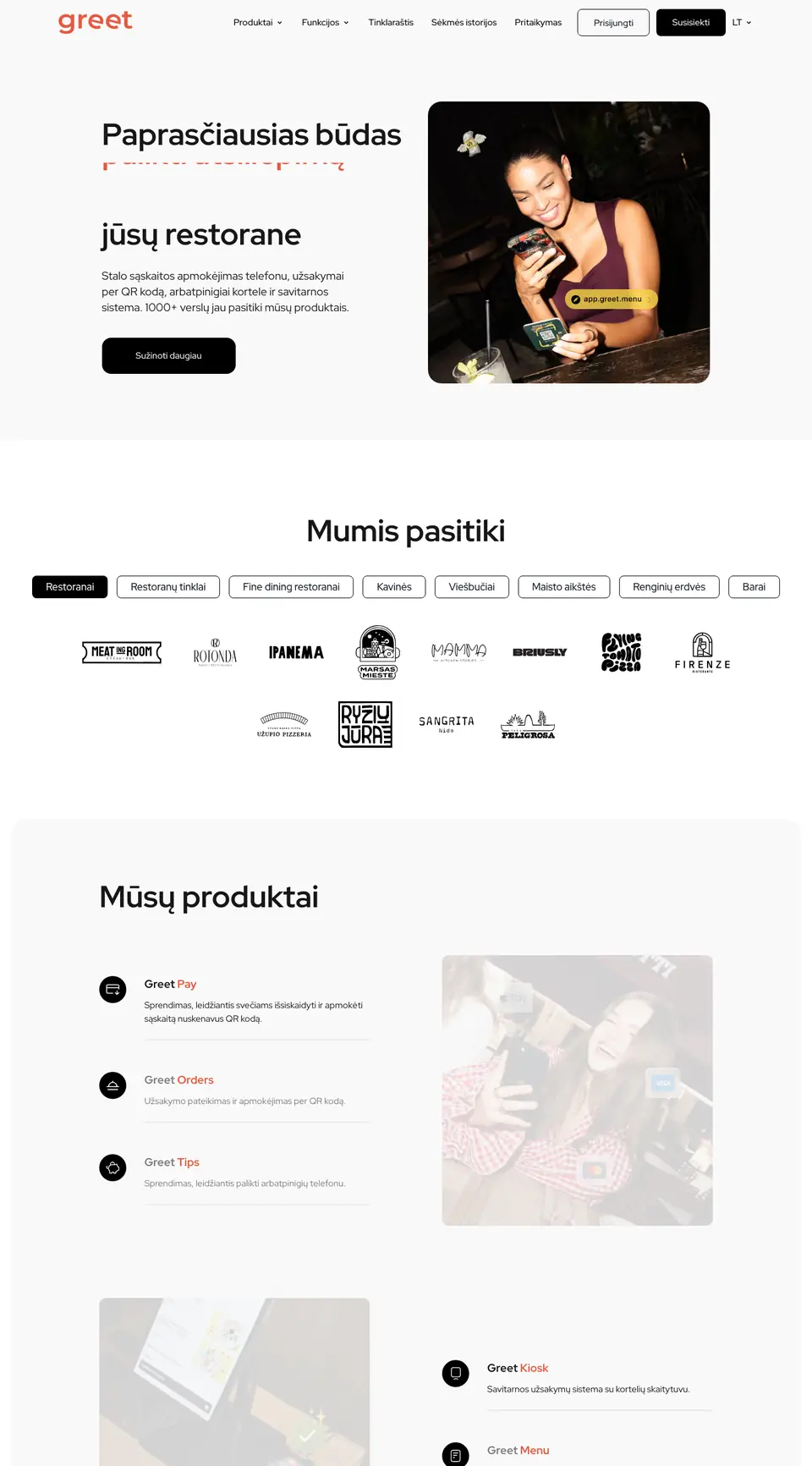
Greet
Restaurant technology platform website

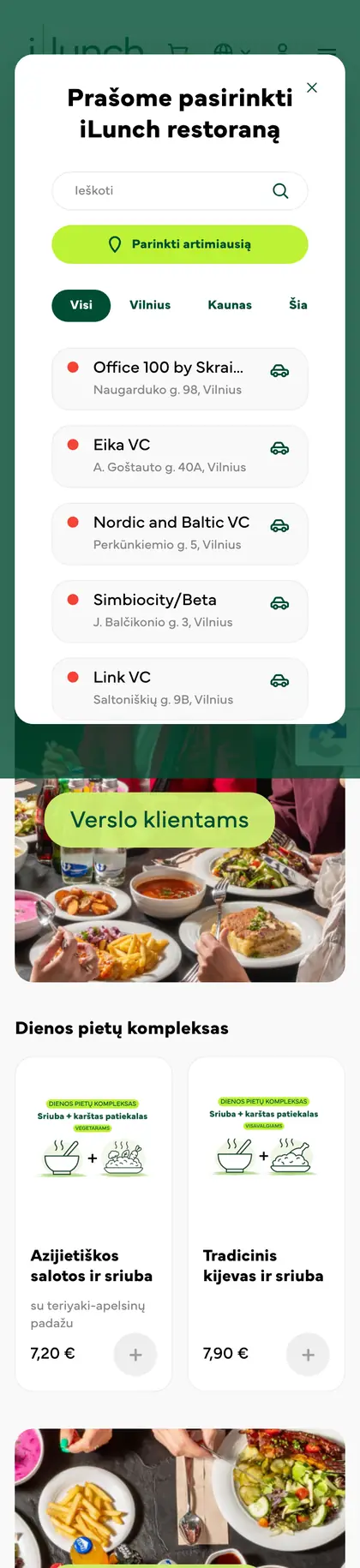
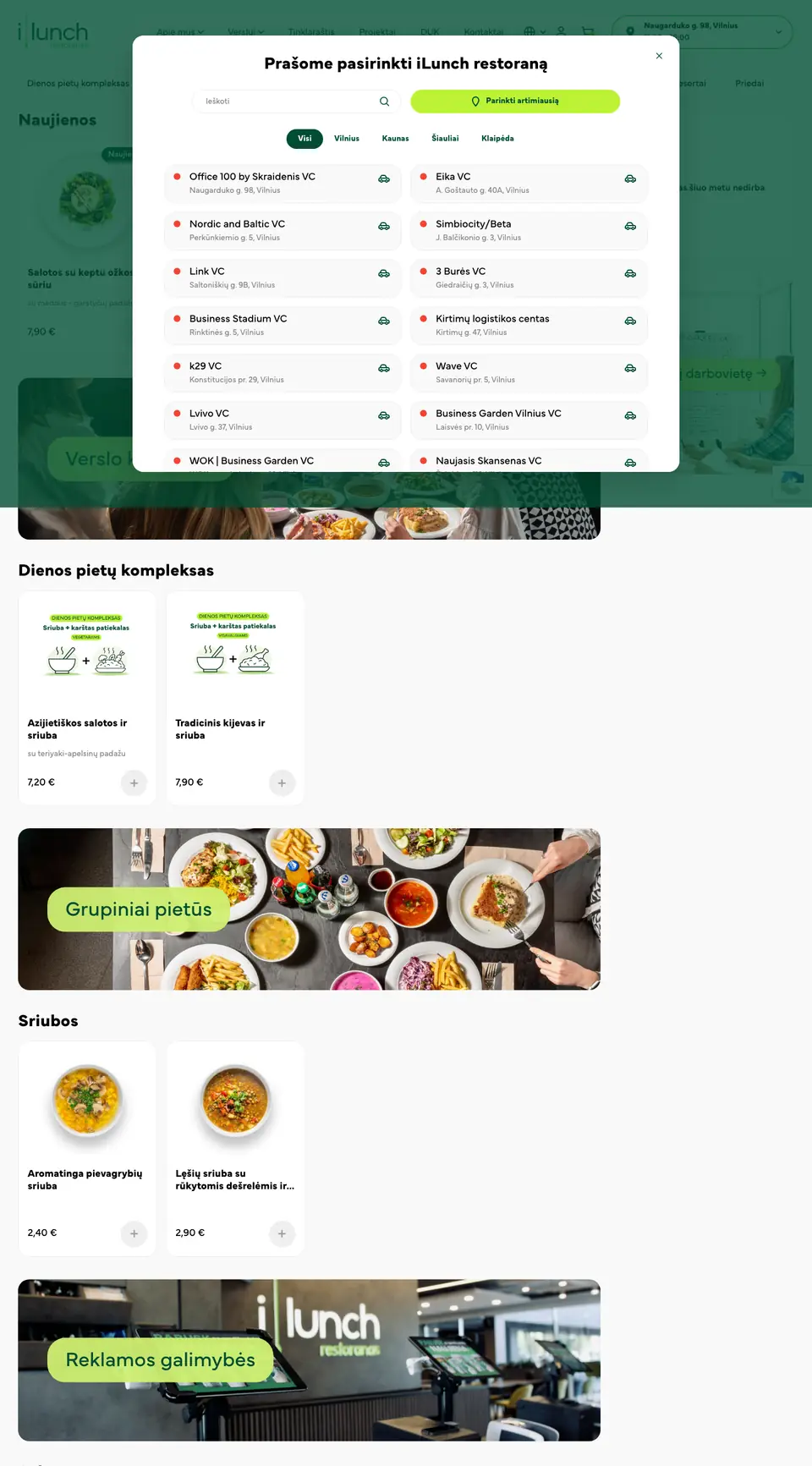 ILunch.lt
Lunch restaurant website
ILunch.lt
Lunch restaurant website

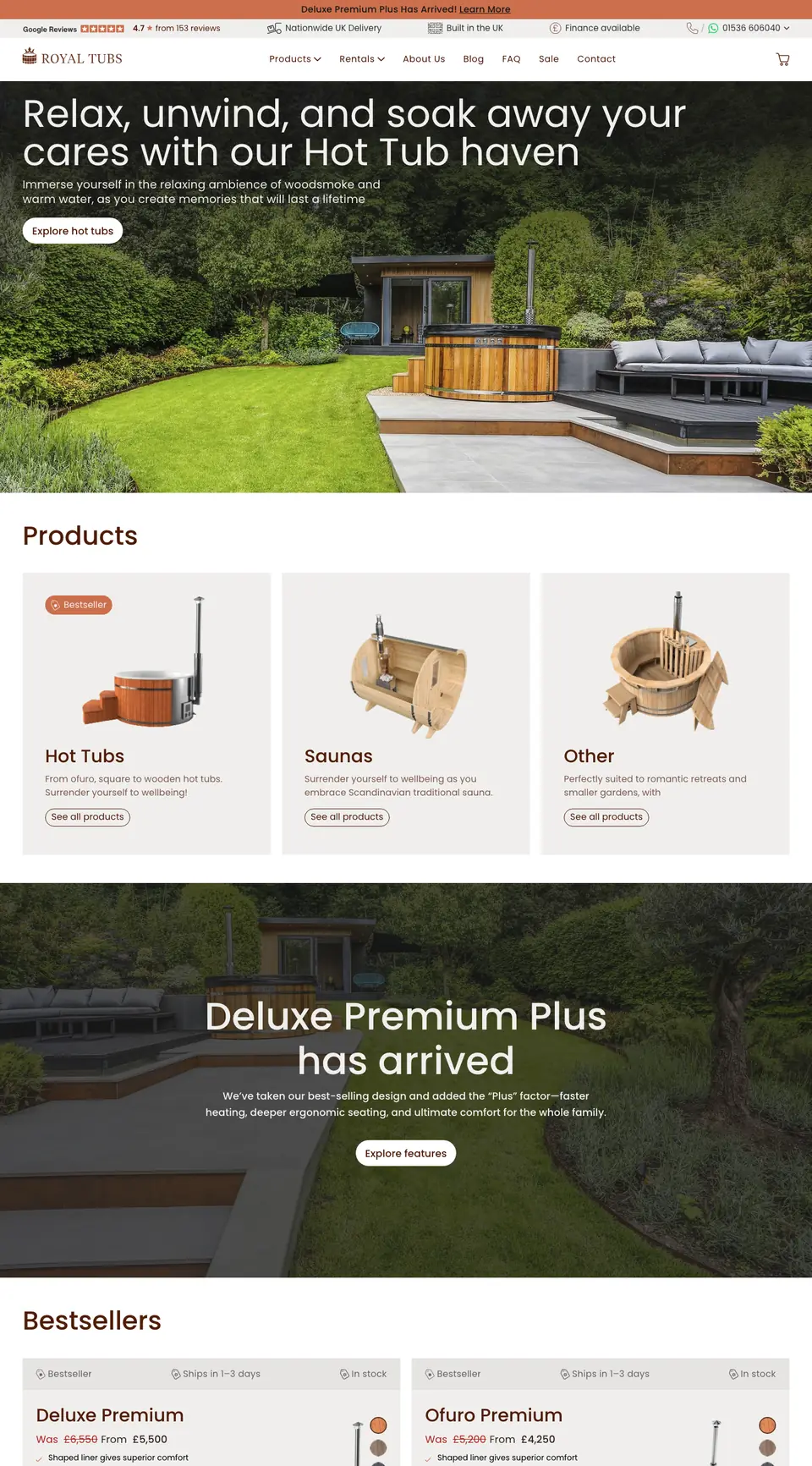 Royaltubs.co.uk
Hot tub manufacturer's online store for the UK
Royaltubs.co.uk
Hot tub manufacturer's online store for the UK

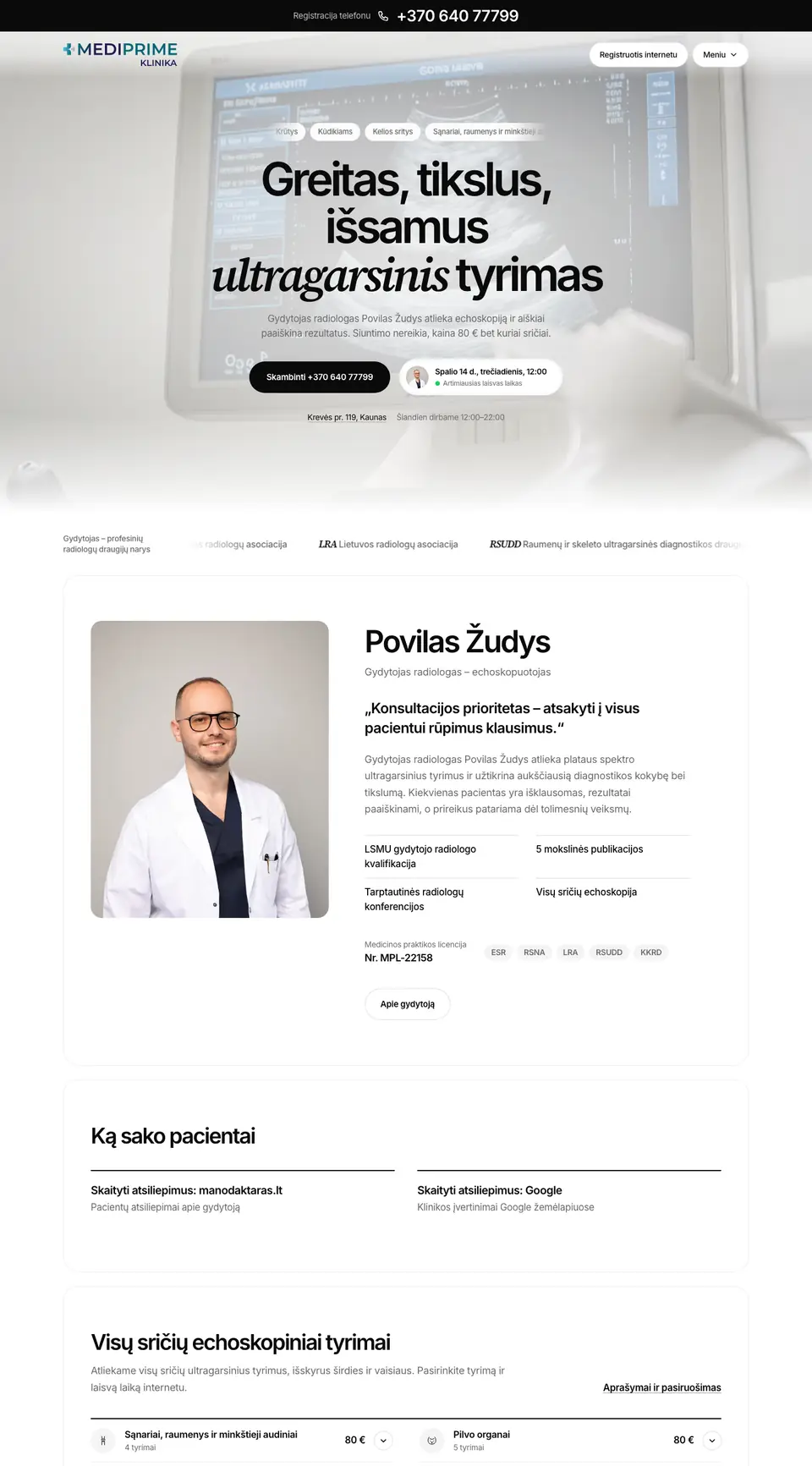 Mediprime.lt
Clinic website with online booking
Mediprime.lt
Clinic website with online booking

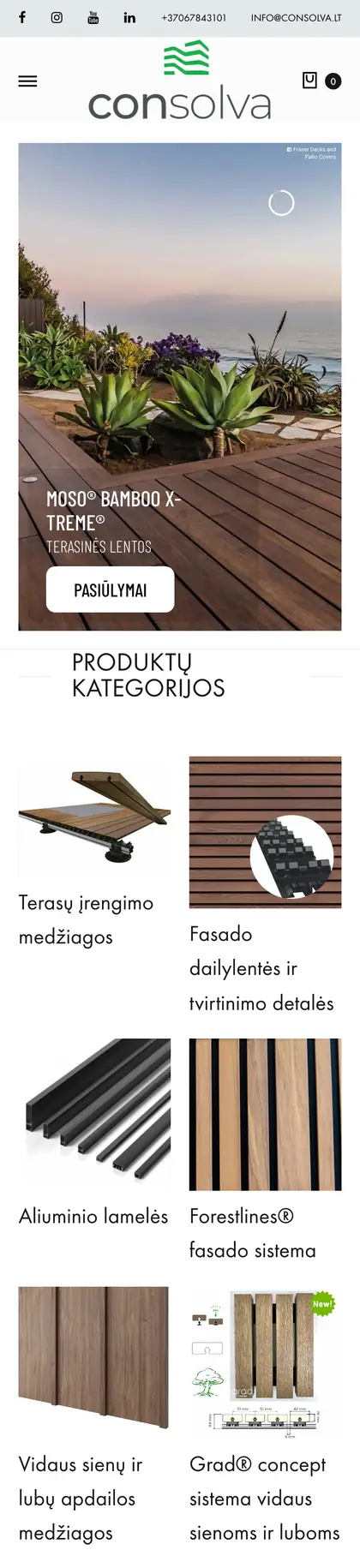
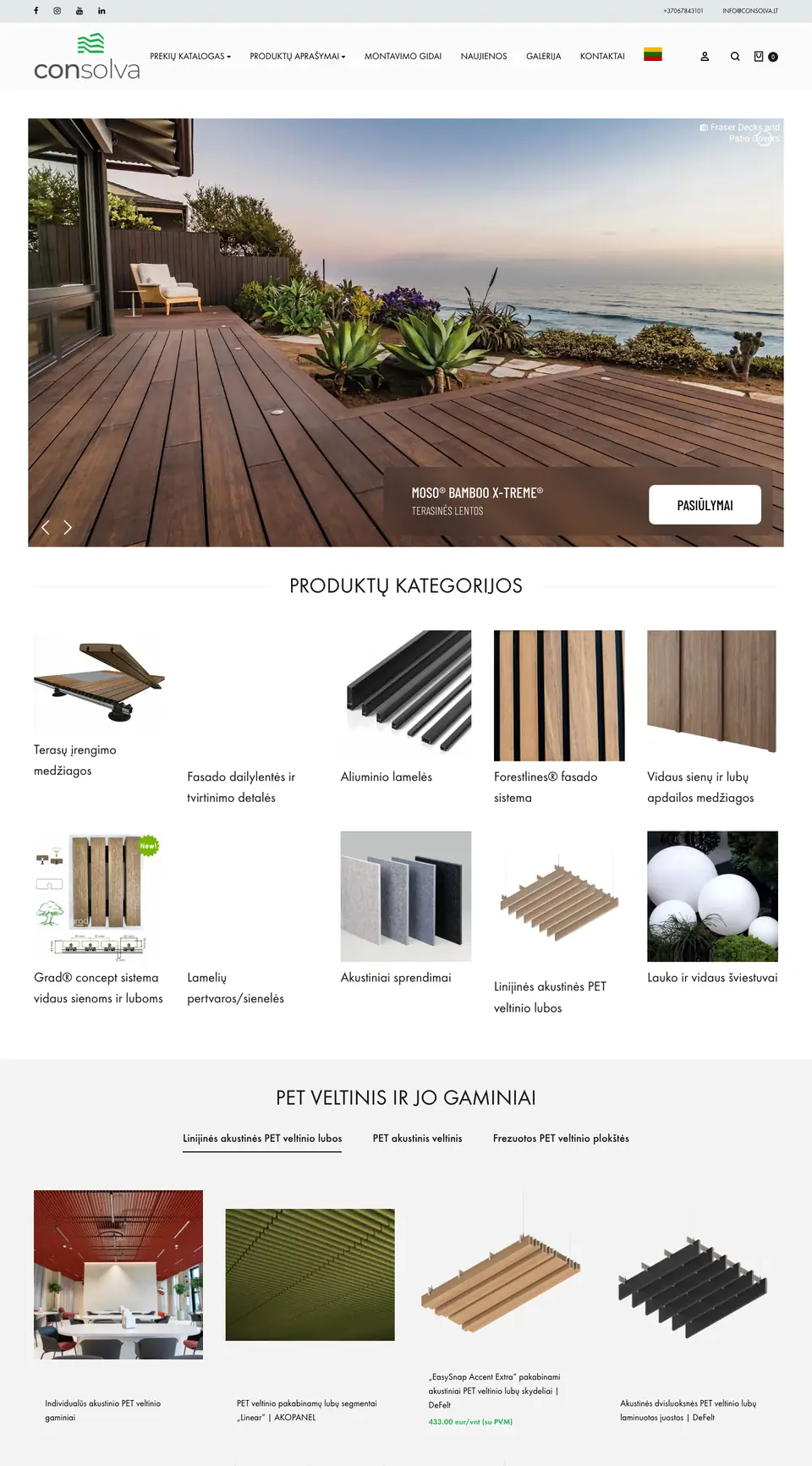 Consolva.lt
Building and finishing materials online store
Consolva.lt
Building and finishing materials online store
FAQ
If you only need email, Teams and cloud files, Business Basic is enough. If staff need desktop Word, Excel and Outlook, choose Business Standard. If device management and advanced security matter, Business Premium. Different employees often need different licences.
Yes. We migrate mail, contacts and calendars from Gmail, Google Workspace or hosting email, planned so email never stops.
For a small company (up to 10–20 people) usually a few working days, including migration and training.
Yes. We can also take over administration of your existing licences.
Yes – Outlook, Teams, OneDrive and safe working basics, tailored to your company's processes.
No obligation · We reply within 1 business day · Short project review free of charge
Hi! I'm the MINGO AI assistant. I'll help you figure out what solution you need, what it would cost and where to start. What does your company do?
Answers are generated by AI and may be inaccurate – the team confirms the exact price and terms. Privacy